






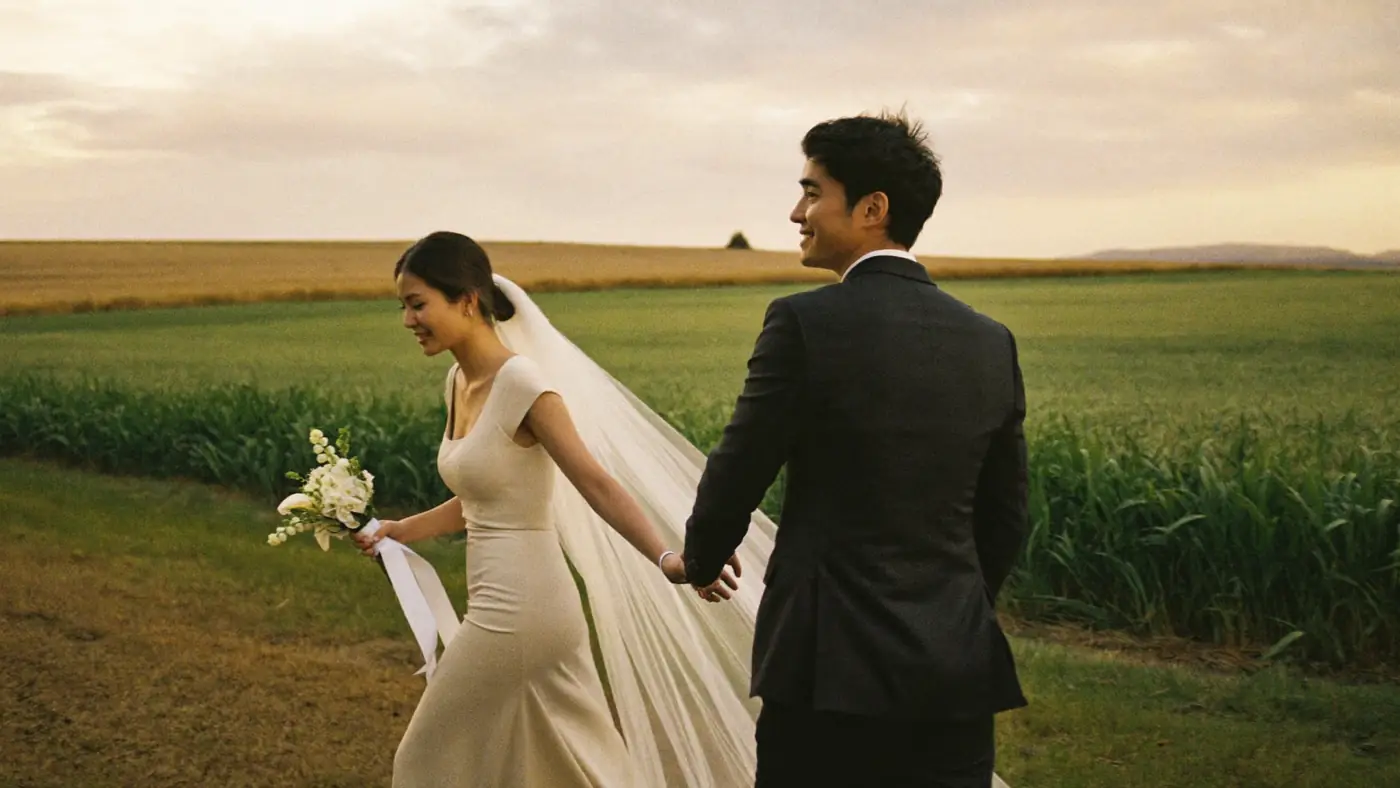
Wedding photographers
Book the job, schedule the crew, and see what each shoot left you after crew.
See how it works
For production studios, agencies and creators · Free until October 31
Save time, save money, and see exactly what your business is doing, making, and how every project is moving.
Full product suite
Hover any tile to see what it does for you.Tap any tile to see what it does for you.
All ten, connected. One bill, from $49 a month.
01 / 07
Made for creatives
Book the job, schedule the crew, and see what each shoot left you after crew.
See how it works
Films reviewed in the player, with every note pinned to the second it is about.
See how it works
Every client, project and campaign on one board. No more juggling a CRM, a task app and an email tool.
See how it worksThe cost of doing it yourself
Most studios juggle multiple tools to manage clients, projects, marketing and money. With bckendIQ, it’s all in one place.
| What studios usually stitch together | Covers | Per month |
|---|---|---|
| HoneyBook PremiumCRM, invoices, contracts, booking calls | CRM, invoices, contracts, booking calls | about $129 |
| monday.com, 3 seatsProject management | Project management | about $36 |
| Frame.io Pro, 3 peopleVideo review | Video review | about $45 |
| Pixieset PlusGalleries | Galleries | about $20 |
| Mailchimp StandardEmail marketing | Email marketing | about $20 |
| HTML Pub Pro by LeadpagesLanding pages | Landing pages | about $29 |
| Total, 6 apps | about $279 |
All of it, plus Meta pixel tracking.
$49
per month
Free through October 31, 2026. Paid plans start November 1, 2026.
Start free, no card neededDrop just the first fourand you keep about $2,100 a year.
Drop all sixand it’s over $2,700 a year back. And we take 0% of your client payments.
Estimates for a team of 3, in US dollars, on each app’s monthly plan, read on its own pricing page on October 8, 2026. Savings compare them with bckendIQ Studio, monthly. Prices change, so check with each app. Names belong to their owners; bckendIQ is not linked to any of them. Sources: HoneyBook, monday.com, Frame.io, Pixieset, Mailchimp, Leadpages.
FAQ
bckendIQ is one app that runs a photo or video studio. Your clients use it to ask about a shoot, book it, sign and pay. Then they get their photos and films there too. Your crew use it to claim shoots, clock in on the day, and get paid the right amount. One record follows each job from the first message to the last payslip. So nothing is typed twice.
Photo and video studios that book their own clients and bring in other people to do the work. Wedding studios with second shooters. Video companies with freelance crews. Content studios with a team of editors. Portrait studios with part-time shooters. If you work alone, the client side works just the same for you.
Your name and your logo, on every page, email and link. Your client never makes an account. They get one link. It holds every shoot, gallery and film they have ever had from you. They sign and pay from their phone. Before they sign or pay, we email them a six-digit code. So if someone forwards the link, that person can look but cannot sign or pay.
No. You connect your own Stripe account. Card and Apple Pay payments go straight into it. bckendIQ never holds your clients’ money and takes 0% of it. Stripe still charges its normal fee. Clients can also pay by bank transfer, or any other way you list. You tick those off when the money arrives. Deposits and pay-in-parts plans are built in.
It works out what each person is owed and makes a payslip. It does not send the money. The amount comes from the hours they really worked and your review. The app locks the number so it cannot change. Then you pay them the way you already do, like a bank transfer or PayPal, and mark it paid. Sending the money from inside the app is planned. It is not built yet.
Each shoot has open spots, by job and by how many people you need. Your crew claim the dates they can work. On the day, they clock in and out for each part of the shoot. The app checks their hours against the hours you planned. If someone worked extra, you say yes or no, and why. Their pay comes from the hours you agreed, not from memory or a spreadsheet.
Yes. A gallery can have its own QR code. Guests scan it and upload their photos and clips. You choose if those show right away, or only after you have checked them. Finding your own photos with a selfie is coming soon.
Upload the master file, up to 50GB each. Your client watches a copy that fits their internet speed, from 360p to 1080p. They can write a note at the exact second. They can approve right from the player. A note on one version stays with that version. When they download, they get the master.
No. AI writes first drafts of quotes, contracts, emails and project plans. It can also set up your services and packages from a few sentences about your studio. You can change every word. Quotes, contracts and invoices only go out when you press send. Marketing emails wait for your okay, unless you switch on autopilot and let them go out on their own.
Yes. New staff get their first-day papers to sign in the app. Each week, a person scores their own work against the targets for their job. Their manager checks it. There are 1-on-1 meetings and goals. Each month, payroll runs and everyone gets a payslip. You choose who can see what, section by section. So the money screens stay with the people you pick.
HoneyBook is built around the client. bckendIQ does that same job: people ask, you quote, they sign, they pay. Then it adds the two other halves a studio with a team needs. Delivery: galleries, video that streams, and clients who approve on the photo itself. And crew: who works each shoot, who clocked in, and what each person is owed.
Your studio’s data is kept apart from every other studio’s. That rule runs on our computers, not just on your screen. So nobody else can see your stuff, even if they guess a link. Data is scrambled while it travels. Signing in is done the safe, modern way. We back everything up on a schedule. The security page has the full list.
Studio is $49 a month for 3 team members and 250GB of storage; Studio Pro is $89 for 5 team members and 500GB. Pay for a year and two months are free. Freelance crew never count as team members. You can add more storage to either plan. bckendIQ is free to use through October 31, 2026; paid plans start November 1, 2026, and the first charge is on November 30, 2026. Studios already on bckendIQ keep Founder pricing — $36 a month on Studio, $60 on Studio Pro. We take 0% of the payments your clients make you, because you connect your own Stripe account. You do not need a card to sign up. Nothing is ever charged on its own.
A few minutes. Tell the setup helper about your studio in a few sentences. It drafts your services, packages and branding. You check them and change what you like. Add your logo. Connect your Stripe account. Then send your first booking link.
Yes. bckendIQ is open now. Make your account and start today. It is free to use through October 31, 2026. Paid plans start November 1, 2026, from $49 a month. Studios already on bckendIQ keep Founder pricing for as long as they stay.

Set up in minutes. Free through October 31, no card needed.