

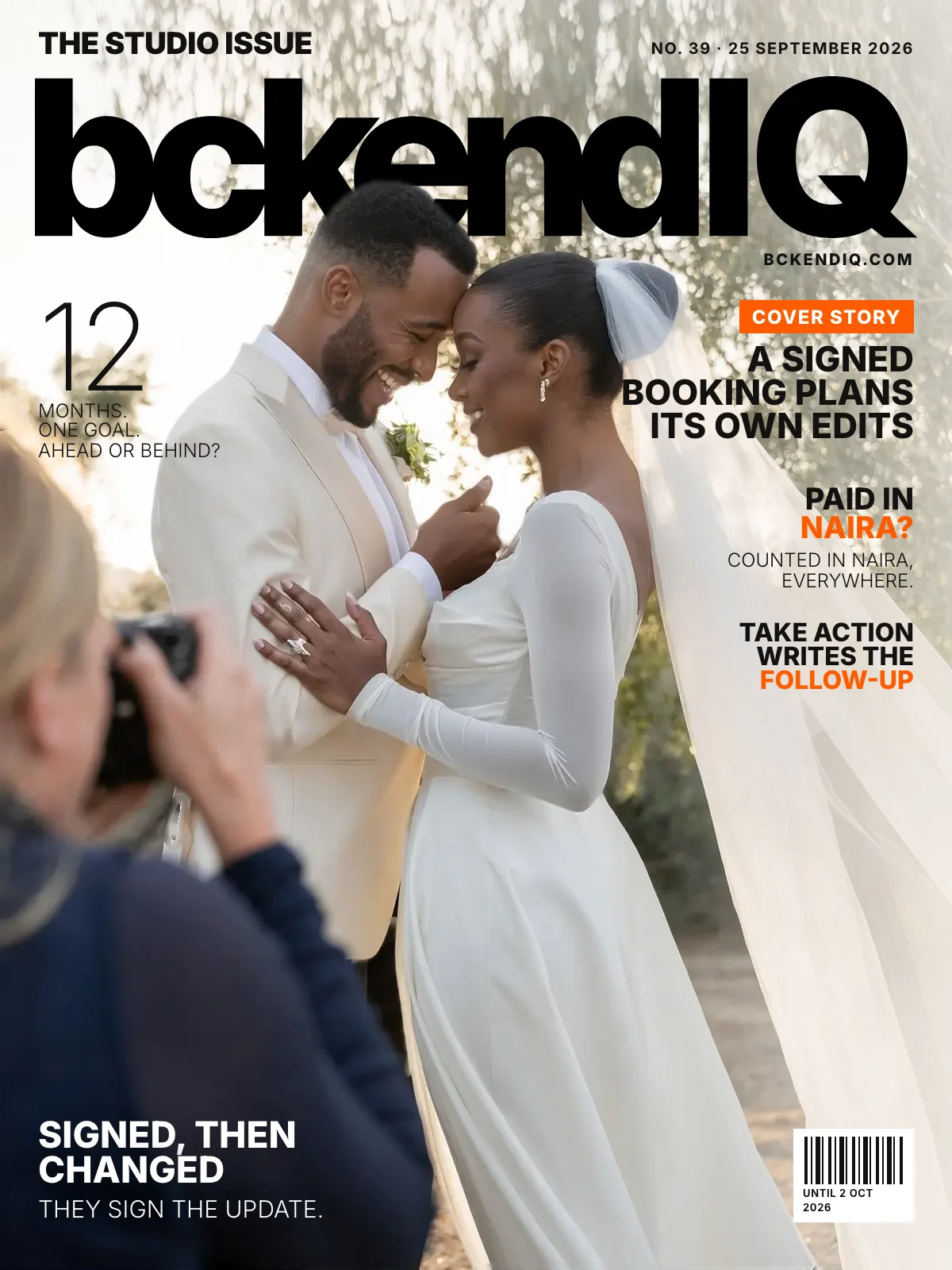
The studio issue · No. 39
Signed bookings plan their own edits, and naira stays naira
· 4 min read · 18 changes
Once a couple signs, their booking now plans its own edits: each piece of the order goes to an editor with that skill, on its own dates.
A change after signing goes back to the couple to sign, Financials reads a naira payment as naira on every page, and a yearly goal shows month by month whether you are ahead or behind.
On the cover · Projects
A signed booking plans its own edits
Once a couple signs, bckendIQ reads the invoice (gallery, teaser, highlight film) and gives each piece to an editor with that skill, with its own dates. Each editor's row shows only their pieces.
Open it in bckendIQ →On the cover · Clients
Signed, then changed — they sign the update
Edit a signed agreement or correct a booking's date or price, and the couple is emailed exactly what changed to sign or OK. What they first signed is kept.
Open it in bckendIQ →On the cover · Financials
Paid in naira? Counted in naira, everywhere
A ₦2,450,000 wedding no longer reads as CA$2,450,000: every Financials page converts at the rate each payment landed. Swap in your bank's rate, and quotes open in the client's currency.
Open it in bckendIQ →On the cover · Financials
The year's goal, tracked month by month
Set a yearly goal in Reports and see whether you're ahead or behind, with each month's share following your own busy season. Ideas for the gap link to the page where you act.
Open it in bckendIQ →On the cover · Leads
Take Action writes the follow-up for you
On the Leads board, Take Action opens a follow-up written for that couple, with answers for 'too expensive' or 'we'll think about it'. Edit it, send it, and it suggests the next touch.
Open it in bckendIQ →Also this week
Galleries
Every person's picks, saved under their email
Anyone with the gallery link can heart photos once they confirm their email with a 6-digit code. You see each person's picks on the job and copy their filenames in one tap.
Open it in bckendIQ →The proof email, edited right on the letter
Moving a proof set to Client Approval opens the email as the couple will see it: type over any line and add their package's photo count. Each proof gallery gets its own watermark switch.
Open it in bckendIQ →Client galleries look sharper and stay private
Gallery banners use a sharp full-size cut, and films start in high quality on a good connection. The sign-in box no longer shows the client's email to everyone holding the link.
Open it in bckendIQ →
Bookings
Every booking says when it starts and ends
Type a booking's length, like '8h' or '2h 30m', and the invoice prints '2:00 pm – 10:00 pm · 8 hours'. The booking editor is now a checklist marking each step done or needing you.
Open it in bckendIQ →
Field Jobs
A booked shoot's job card arrives filled in
When a booking goes live, its job card carries the crew, start time and hours the client gave. Attach the planner's PDF or shot list, and the crew see it on their card.
Open it in bckendIQ →
Leads
Edit your guide and enquiry form on the page
Your Investment guide and enquiry form now look exactly as couples see them: click any line, package or question and type over it. Duplicate a package type to start a second market.
Open it in bckendIQ →
Projects
Jobs take any file, and uploads survive a refresh
A job now holds PDFs, Word files, sound and links, each previewed in the gallery. Uploads save as they land, so a refresh keeps every photo that made it.
Open it in bckendIQ →New projects ask one question: how long
New Project asks only how long the job takes, and a portfolio shoot needs no client. Tasks go in one box, and one switch hides a studio chore from the client.
Open it in bckendIQ →
Marketing
Your own photo at the top of every email
Put your own photo at the top of a campaign or sequence email; crop it, size it, and edit the words AI drafts on it. A sending campaign can now be paused, resumed or stopped.
Open it in bckendIQ →
Performance
Make a job and send it, from one page
Type one line, like 'workflow manager for a photo studio', and AI drafts the terms, duties and weekly KPIs for you to edit. Then send it to a new hire with their real start date.
Open it in bckendIQ →
Financials
Financials shows the tax inside every booking
Financials › Jobs splits each booking into the price before tax and the tax inside it, with a panel of what to set aside. 'Sent, not paid yet' lists invoices awaiting a first payment.
Open it in bckendIQ →
Sign-in & security
Signing in with Google holds still on iPhone
In the installed iPhone app, the sign-in page no longer slides, and Google sign-in fades in calmly with a working Cancel. The dashboard fills the screen and its clock card no longer jumps.
Clients
Smaller fixes around the app
Clicking a film's timeline now jumps there instead of pausing. A forgotten clock closes at the scheduled end, client pages get a calmer header, and the side menu is narrower.
Open it in bckendIQ →