

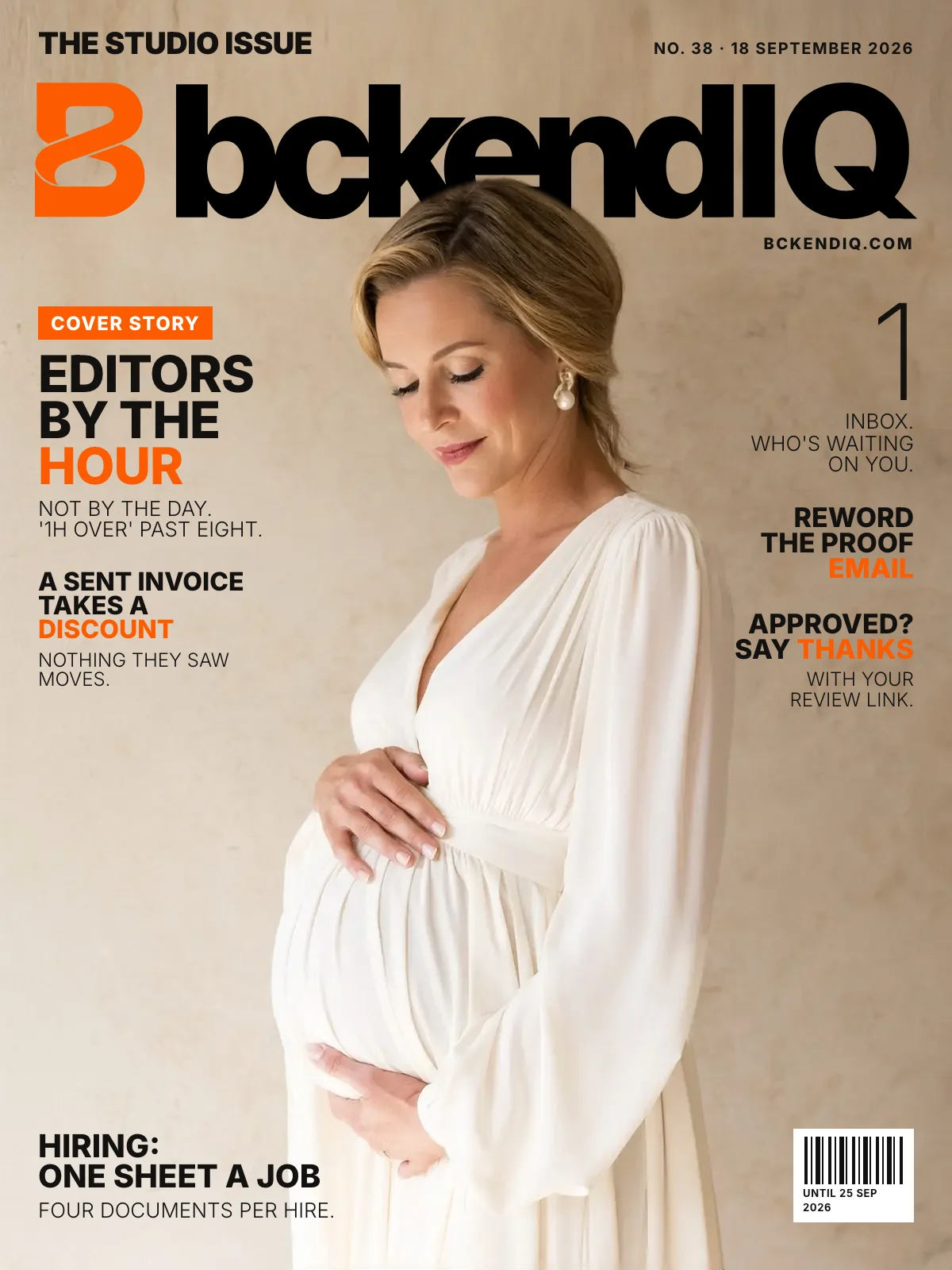
The studio issue · No. 38
Book an editor by the hour, and see who is waiting on you
· 4 min read · 16 changes
Editors are now booked by the hour, not the day, and the Timeline shows how many hours each one has left.
Leads gets one Inbox that shows who is waiting on you, the proof email can be reworded before it goes, and an approved gallery now earns your thank-you note with a review link.
On the cover · Projects
Book an editor by the hour, not the day
Give one editor 2 hours for one couple, 5 for another and 1 for a third, all on one day. The Timeline shows hours free, and says '1h over' past eight.
Open it in bckendIQ →On the cover · Leads
One Inbox that shows who is waiting on you
Leads › Inbox sorts every conversation into Needs a reply, Waiting on them and Done, and says what each couple asked. WhatsApp opens on your own phone with the message typed.
Open it in bckendIQ →On the cover · Galleries
Reword the proof email before it goes
Send to client for approval now opens the letter first: change the subject, headline, message and button. If the couple has no email on file, it tells you instead of skipping silently.
Open it in bckendIQ →On the cover · Automation
Approval now earns a thank-you with your review link
Final galleries stop asking couples to choose photos and ask for approval instead. When they approve, they get the thank-you you wrote in Automations, with your Google review link.
Open it in bckendIQ →On the cover · Financials
A sent invoice can take a discount or add-on
Edit invoice now has the builder's full + Add menu: package, add-on, custom line, discount or code. Re-opening a sent invoice never shifts a figure the couple was already sent.
Open it in bckendIQ →On the cover · Performance
Hiring: one sheet per job, four documents per hire
Each job is one sheet — offer terms, 'Your job' and KPIs — saved with one button. New hires get four documents, and the Handbook ends with a chapter on their own job.
Open it in bckendIQ →Also this week
Settings
See the exact menu each access level gets
Settings › Permissions shows a live preview of the menu a level will see, one switch per section. Renaming a level no longer changes its access, and the page fits a phone.
Open it in bckendIQ →
Leads
The conversation is a tab beside the invoice
On a lead, the invoice and the conversation are two tabs, so the booking sits at the top. An orange dot shows when the couple wrote last.
Open it in bckendIQ →
Projects
Fix or take back a comment you posted
Your own comments on a task now have Edit and Delete, and an edit shows '· edited'. Photos, videos and voice notes in a thread open in a full-screen viewer you can swipe.
Open it in bckendIQ →Big project boards scroll smoothly on a phone
Each job's row shows one line of thumbnails, then '+N', instead of a whole 3,000-photo proof. Card titles use the full width, and the phone Gantt shows whose job each tile is.
Open it in bckendIQ →
Bookings
Connect your calendar without a developer
Meeting links no longer ask for keys from a Google Cloud console; connecting is a button. The editor explains how each booking gets its own call link and how busy days are blocked.
Open it in bckendIQ →
Galleries
Thumbnails appear the moment an upload lands
A fresh wedding upload now shows its thumbnails straight away, not minutes later. A single film delivery shows the name you typed, not IMG_7863.mov.
Open it in bckendIQ →
Dashboard
Put bckendIQ on your phone's home screen
Open bckendIQ on a phone and a sheet shows the exact taps to add it to your home screen. In the installed app, nothing sits under the clock any more.
Open it in bckendIQ →A shorter menu and quieter page titles
The Studios section is gone; its rows moved to Leads, Projects and Settings. Page explanations sit behind a small '?', and the bell scrolls back through every notification.
Open it in bckendIQ →
Marketing
Marketing fits a phone, and lead bank filters faster
The lead bank's six pickers fold into one Filters menu beside search. Every Marketing tab and dialog now fits an iPhone, and a new sequence opens straight in its editor.
Open it in bckendIQ →
Website
The website now says what bckendIQ does
bckendiq.com walks one client from enquiry to delivered gallery, in plain words. A chat answers questions from the FAQ, and Book a call opens our onboarding calendar.