
 bckendiq.com
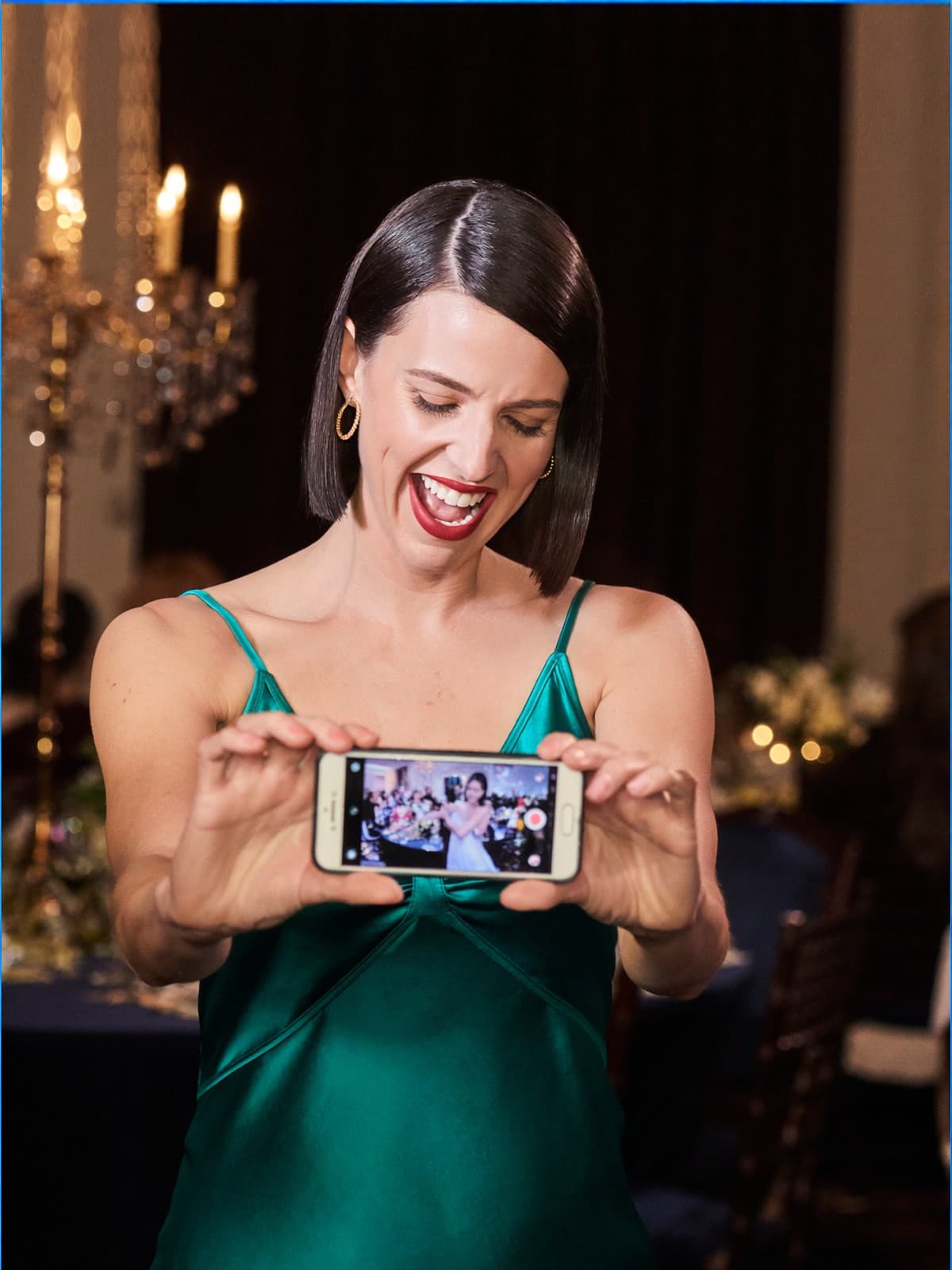
Every photo
a guest
sends,
in one
place
Your month,
explained
Not just listed.
Your own
marketing
suite
Describe it
once
AI drafts your setup.
You check it first.
Who to
chase first
The lead board ranks them.
No. 36 · 4 Sep 2026
In this issue
- 01
On the cover · Galleries
Every photo a guest sends, in one place.
Guest uploads from your QR code no longer flood the couple's gallery. They gather into one card after your own work, opening onto the full set.
Open in bckendIQ → - 02
On the cover · Financials
Financials now explains your month, not just lists it.
A new Overview shows which shoots earn, where bookings come from and how many enquiries become work, plus Money, Jobs, Cash and a Monthly Business Report. Sent quotes no longer count as money owed.
Open in bckendIQ → - 03
On the cover · Marketing
Every studio now has its own marketing suite.
Send broadcasts, run campaigns and email sequences, keep a lead bank and save email templates. A Contacts list shows which of your clients marketing can reach.
Open in bckendIQ → - 04
On the cover · Leads
The lead board now tells you who to chase.
A new Take Action column ranks every enquiry by what is due — an unsent quote, a wedding date drawing close, a couple gone quiet. Filters now sit on one line.
Open in bckendIQ → - 05
Galleries
Guest uploads start the moment they're picked.
Photos and clips begin sending as soon as a guest chooses them, the phone stays awake while they go, and a dropped connection retries instead of stalling.
Open in bckendIQ → - 06
Galleries
A note on a frame now reaches the editor.
When a client or your producer pins a correction on a photo or film, the editor and supervisors are notified, and you can @tag whoever it's for.
Open in bckendIQ → - 07
Projects
Tick several clients and see all their work.
The client rail now wraps every Projects view and takes more than one client at a time. Pick two or more and the Workflow board lays their work out by stage.
Open in bckendIQ → - 08
Projects
Move, assign or send many tasks at once.
Tick tasks on the Workflow board or a project's board, then move, assign or send them to the client together. Each pick applies at once; only delete asks first.
Open in bckendIQ → - 09
Financials
Look back at last month, or the whole year.
Every Financials page now has a period picker — this month, last month, any of the last twelve, a year or all time — and the link remembers your pick.
Open in bckendIQ → - 10
Clients
A client can now have a second email address.
Add a partner's inbox to the couple's card so reminders reach both of them, and tag what they came for — a wedding, a photoshoot, a podcast.
Open in bckendIQ → - 11
Financials
Save a quote you reworked as a new package.
Changed The Signature for one couple? Save as a package keeps the name, price, deposit and every inclusion, straight into your catalogue and Investment Guide.
Open in bckendIQ → - 12
Leads
Your Investment Guide now shows films, framed your way.
Add films to the guide's gallery, drag the hero photo's focus onto the couple, and drag packages into order. Every included service line can be reworded too.
Open in bckendIQ → - 13
On the cover · AI
Describe your studio once, and AI drafts your setup.
New studios answer five short questions, or type or dictate a description and AI drafts the services, team and first job. You check and edit it before anything is built.
Open in bckendIQ → - 14
Dashboard
A new menu: one rail, one panel.
Ten sections sit on a slim rail, each opening its own panel that folds away with ⌘\ when you need room. Booked consultations get their own Upcoming meetings page.
Open in bckendIQ → - 15
Projects
All Projects now shows which way work is heading.
The tiles above every view now show their six-week trend and the change since last week, and the people and task-type filters search as you type.
Open in bckendIQ → - 16
Projects
Every comment on a project, in one feed.
A new All comments tab gathers the project thread, every stage and every task's notes in time order, each tagged with where it was written.
Open in bckendIQ → - 17
Galleries
Copy the couple's picks in one click.
A Copy filenames chip sits beside Client selection on each job, the viewer walks only their picks, and the studio can download a whole gallery from its link.
Open in bckendIQ → - 18
Galleries
Find any gallery by couple or title.
The Galleries page now has a search box that matches the gallery name and the client together, in any word order.
Open in bckendIQ → - 19
Projects
Smaller fixes across Projects.
Search forgives a typo, Today works at weekends, the week arrows move the grid, you can correct a client from the project form, and job pages open on the photographs.
Open in bckendIQ → - 20
Field Jobs
Shoot cards now show the year.
Every date on the job board and My Shifts includes the year, so a wedding next summer no longer reads like last Saturday. Edit-form pickers no longer come up blank.
Open in bckendIQ → - 21
Performance
The Friday scorecard reminder now reaches Google sign-ins.
Owners who sign in with Google now get it, at the right local hour, and the Staff, Scorecards and Reports pages are tidier on a phone.
Open in bckendIQ →