

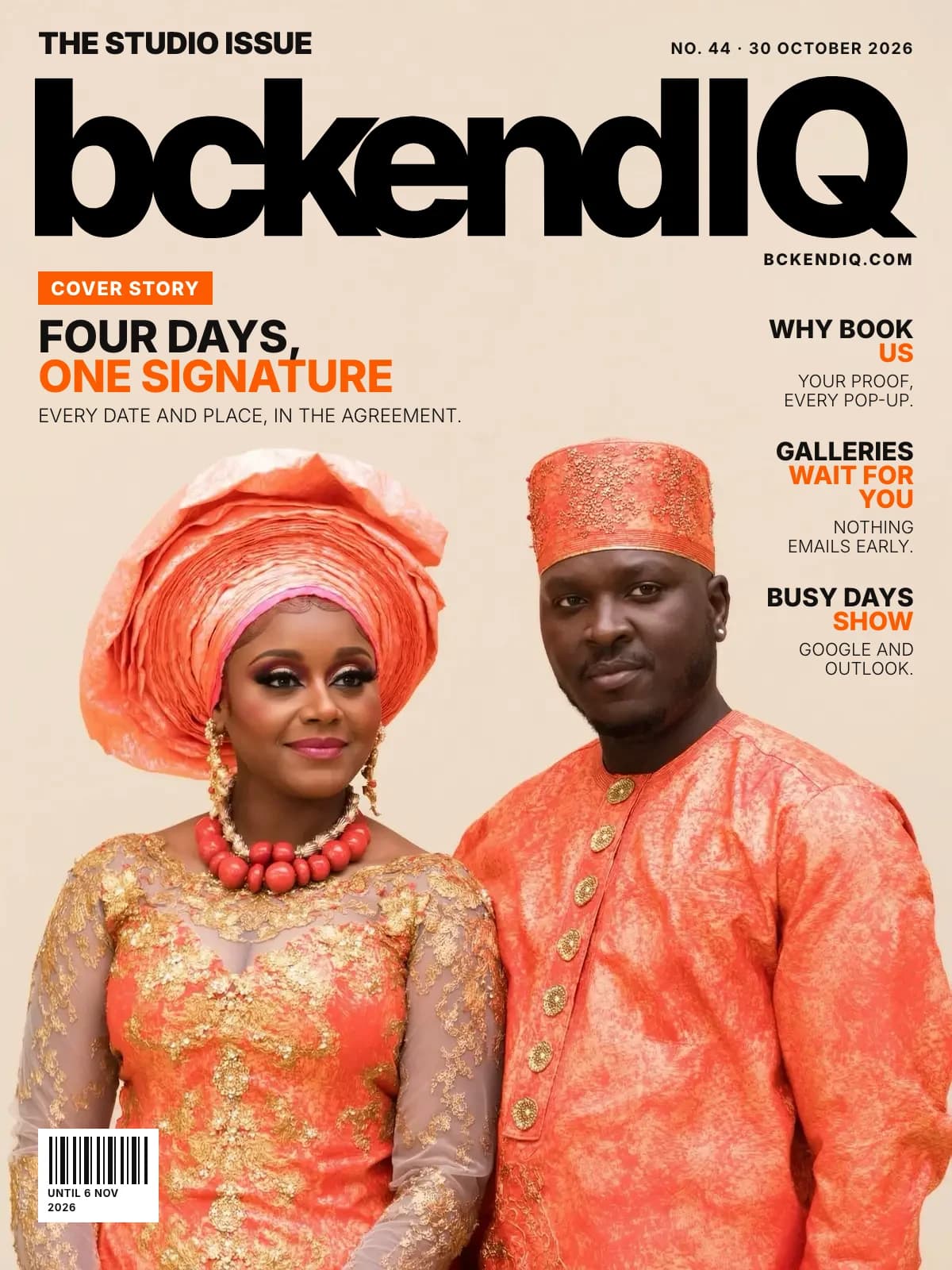
The studio issue · No. 44
A wedding over three days in two cities now books and signs as one
By Jide Odukoya, Founder5 min read23 changes
The couple has a traditional wedding in Lagos, a church wedding the next day and four days in Jamaica. Your booking has room for one date, so the contract they sign names one place.
This week was for the weddings that never fit one day: the traditional on Saturday, the church on Sunday, a few days abroad after. Here is every change.
On the cover · Bookings
A date can be somewhere else, for several days, and the client signs for all of them
The problem: A wedding over four days in two countries had room for one date, so the client signed a page with one place on it.
What changed: Each extra date takes its own place and a run of days. The invoice and the confirm step show every one.
Open it in bckendIQ →On the cover · Leads
Pop-ups gain Why book us: a photo or film, proof points, your story and a button
The problem: Your pop-up showed sessions and prices, but never said why a couple should pick you over the next studio.
What changed: The writer drafts the story and button, never your proof.
Open it in bckendIQ →On the cover · Galleries
Moving a set into Client Approval no longer emails the client
The problem: Dragging a set into Client Approval emailed the couple before you had checked it.
What changed: A Send to client switch does, and opens the letter for you to edit first.
Open it in bckendIQ →On the cover · Bookings
Your Google and Outlook busy times show on the calendar as grey pins
The problem: A personal booking blocked a slot, and you could not see why it was gone.
What changed: And two clients can no longer book the same consultation slot.
Open it in bckendIQ →Also this week
Bookings
The agreement names every date and place
With more than one date, a Dates and places clause sits above the signatures. A Help guide shows how.
Open it in bckendIQ →
Gigs
A job over several days stays upcoming until its last day is over
Gigs, My Shifts and crew check in follow the last date. This week on the Overview pins every day.
Open it in bckendIQ →Adjust pay takes extra hours and an extra amount together
It shows the gross, and Paid rows line up on a phone.
Open it in bckendIQ →
Leads
A session can show a sale price, crossed out with a Save % chip
Test up to four headlines, and copy a session card.
Open it in bckendIQ →New pop-ups start from three templates, with About the photographer
After they book plays a film you edit on the page. Every film is made ready for phones.
Open it in bckendIQ →
Galleries
The gallery page puts the client, Logo and Wait ’n’ Get on its title row
Big galleries now open a screen at a time.
Open it in bckendIQ →Wait ’n’ Get galleries show as table cards with your designed QR, big
Tick galleries to bin, restore or delete them. Guests can tick a box to join your lead bank.
Open it in bckendIQ →Delete every earlier cut from the Storage page in one press
Each film keeps the version it is on. The cuts wait in the bin for 30 days.
Open it in bckendIQ →
Performance
Add staff and Add contractor walk through one question at a time
Hiring a second shooter or an editor took three pages in two menus. Now it is one page, and nothing saves until the end.
Open it in bckendIQ →
Projects
A card dropped on a full day lands, and that lane slides right to make room
A card drags only itself, and a phone swipe keeps your place.
Open it in bckendIQ →Search finds tasks as well as projects, on every view
Workflow narrows to the matching tasks.
Open it in bckendIQ →
Marketing
Add people to a Broadcast by typing, a card, a screenshot or an NFC tap
Or share a join link. Nobody is added until you press Add.
Open it in bckendIQ →Send me a test can go to any address you type
So an assistant can check an email before it goes out.
Open it in bckendIQ →
Settings
The Settings icon opens Overview, your studio at a glance
One tile per area, each a link to the page that changes it.
Open it in bckendIQ →New narrated Help videos for Add staff, Add a contractor and crew pay
Older videos follow the new menu.
Sign-in & security
Two factor sign in sits on your own My Profile, with a reminder after you sign in
Google sign in no longer asks for a code.
Clients
Drag a questionnaire question up or down by its grip
Long press on a phone, or space and arrows on a keyboard.
Open it in bckendIQ →
Website
The website tells booked, signed, paid, and the blog answers your questions
Four shelves of answers, and Book a Setup Call in the menu.
See it →
Dashboard
Smaller fixes across the app
Emails come via bckendIQ, and a set dragged out of Approved lets the client keep choosing.
Open it in bckendIQ →
Questions about this week
- How do I book a destination wedding over several days?
- Add each date with its own place and how many days it runs. The client sees every date on the invoice and signs for all of them.
- What should my contract say for a wedding over several days?
- Every date and every place. With more than one date, a Dates and places clause sits above the signature lines, unless your wording already lists them.
- How do I stand out from other photographers on my booking page?
- Add Why book us to your pop-up: a photo or film, up to four proof points, your story and a button.
- How do I deliver photos to a client professionally?
- Move the set to Client Approval when it is ready to check, then flip Send to client. You read and edit the letter before it goes.
bckendIQ runs enquiries, contracts, payments, galleries and crew for photo and video studios, in one place. Start free, no card needed →