

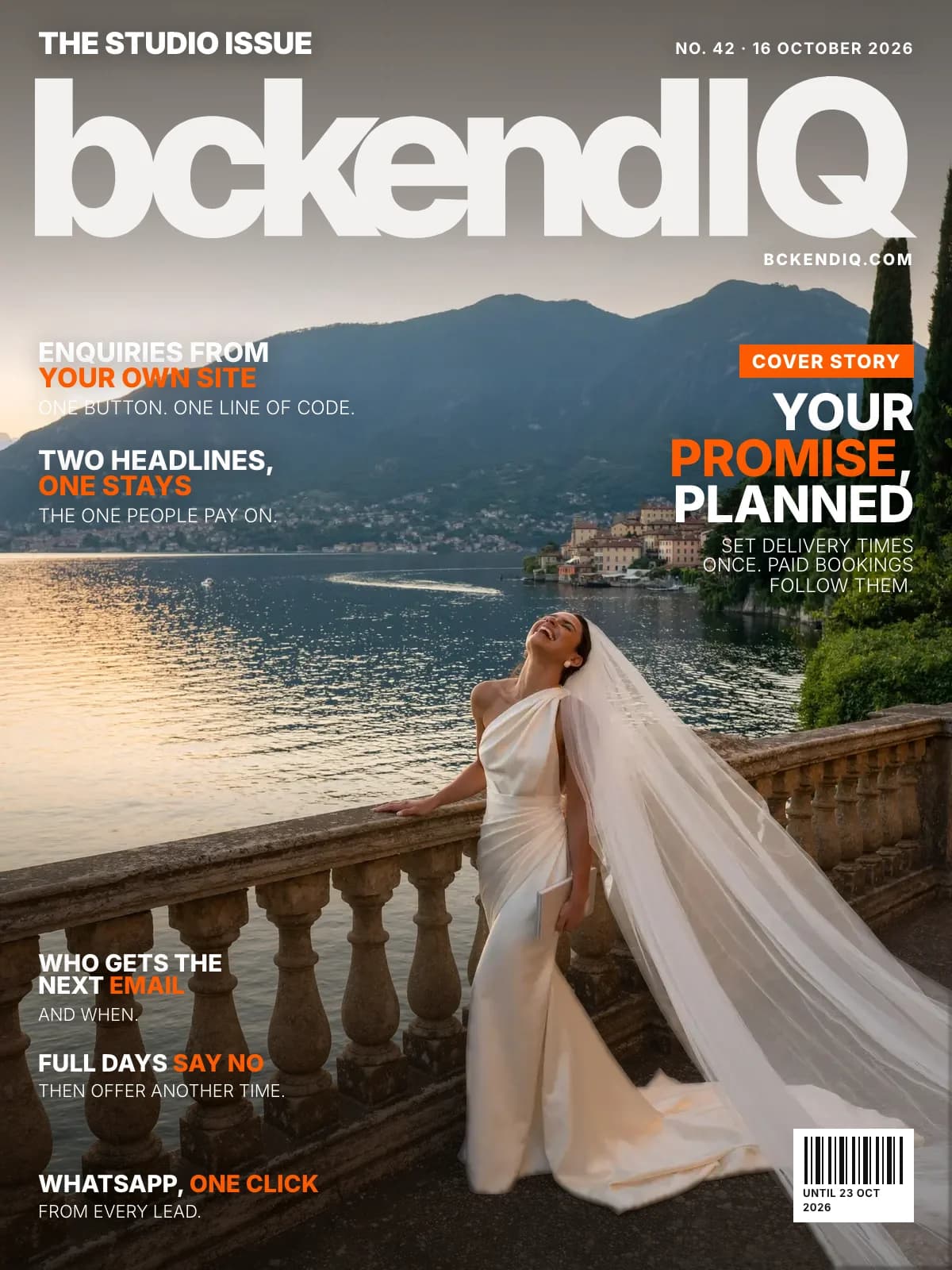
The studio issue · No. 42
The date you promised the couple now plans the edit
By the bckendIQ team4 min read26 changes
You told the couple their film would be ready by Christmas. Nobody told your editor.
This week was about the promise you make each couple. Here is every change.
On the cover · Projects
Set your delivery times once, and paid bookings follow them
The problem: You promise a date, but the edit was planned on a guess.
What changed: Hours, promise and time for changes arrive filled in, or AI drafts them. You confirm.
Open it in bckendIQ →On the cover · Leads
A “Check availability” button for your own website
The problem: Couples browse your website, but your enquiry form lived elsewhere.
What changed: Paste one line into Squarespace, Wix or WordPress, and enquiries land in Leads.
Open it in bckendIQ →On the cover · Leads
Pop-ups test two headlines and keep the one people pay on
The problem: You never learn if another headline would have booked more.
What changed: Visitors see each in turn. AI drafts the next pair for you to test.
Open it in bckendIQ →On the cover · Projects
A full day says no, and suggests another time
The problem: Editors were handed work on days already full.
What changed: It offers their next days with room, or a teammate with room that day.
Open it in bckendIQ →On the cover · Marketing
Each sequence says who gets the next email, and when
The problem: A sequence never said if it was sending, or to whom.
What changed: Send now mails the people waiting today, and held people restart where they stopped.
Open it in bckendIQ →On the cover · Leads
WhatsApp a couple in one click from any lead
The problem: Couples answer on WhatsApp, but a lead's number opened a call.
What changed: It sits beside the number and on every row.
Open it in bckendIQ →Also this week
Projects
Planned edits show Done by and Promised
Hours are held for changes, and a light warns when an edit slips.
Open it in bckendIQ →A moved wedding suggests a new plan for you to apply
Time off over planned edits works the same way.
Open it in bckendIQ →Your own kinds of work go to the right person
Add Retouching, and your Retoucher gets it, read off their title.
Open it in bckendIQ →Assign, move or merge tasks, and duplicate a project
Merge joins two tasks into one, and Split back undoes it.
Open it in bckendIQ →A task dated outside its project moves to that day
It lands on its person's Timeline, with Undo.
Open it in bckendIQ →Filter All Projects by day, week or month
The tiles count that period, and Back returns to the Timeline day you left.
Open it in bckendIQ →Smaller fixes across the app
Sequence emails save themselves, guide photos lose their dark band, and Timeline cards name the shoot type.
Open it in bckendIQ →
Leads
Pop-ups take discount codes, switched on per pop-up
A shared link can apply the code for them.
Open it in bckendIQ →Pop-up banners play up to 10 photos and films
AI drafts the words from your prices. Nothing saves until you do.
Open it in bckendIQ →A pop-up's sessions join your Investment Guide
Price a lead who picked one, and those sessions come first.
Open it in bckendIQ →
Financials
Pricing a booking now fits a phone
No sideways scroll, and “Something else” opens in place.
Open it in bckendIQ →
Galleries
Every gallery on the list shows its cover
View gallery opens the page your client sees.
Open it in bckendIQ →
Bookings
Google Calendar now asks only for your busy times
A failed connect now says why, with Try again.
Open it in bckendIQ →
Marketing
A wrong email address is fixed, or never imported
“gmail.c” becomes gmail.com, and a bounced address never gets the next email.
Open it in bckendIQ →
Settings
Your studio's name and logo show right in the top bar
Company profile now renames it there, and logos lose the white frame.
Open it in bckendIQ →Setup is shorter, and ends with your delivery times
One password box, and Skip for now on optional steps.
Open it in bckendIQ →
Performance
A role's onboarding guide names your studio
AI uses your country and currency, not a default.
Open it in bckendIQ →
Website
The blog: short answers for studios, read aloud
Nine posts, from deposits to RAW files, each with Listen.
See it →
Questions about this week
- What if I skip my delivery times?
- Paid bookings get undated tasks and one alert. Studios already booking keep the old planner until 28 October.
- Does AI put new pop-up headlines live?
- No. It drafts them, and nothing goes live until you press Test it.
bckendIQ runs enquiries, contracts, payments, galleries and crew for photo and video studios, in one place. Start free, no card needed →